Build smarter apps with integrated AI workflows

Modern users expect intelligent, personalized experiences. AI integration in Android Studio empowers developers to deliver cutting-edge features while maintaining performance and privacy.
Add smart capabilities like image recognition, text analysis, and predictive models to your apps
On-device ML processing ensures fast inference without network latency or privacy concerns.
Process sensitive data on-device with TensorFlow Lite, keeping user information secure.
Models optimized for mobile hardware deliver powerful AI within tight resource constraints.
Combine on-device AI with cloud-based ML Kit APIs for the best of both worlds.
Pre-trained models and simple APIs let you integrate AI in hours, not months.
A complete deployment workflow from development to production monitoring
TensorFlow / PyTorch
Optimize for mobile
Android Studio
Production ready
Learn Artificial Intelligence


AI in Android Studio refers to integrating machine learning models and artificial intelligence capabilities into Android apps using tools like TensorFlow Lite, ML Kit, and on-device AI processing. It enables features like image recognition, natural language processing, and predictive analytics directly in your mobile applications.
Essential AI tools and frameworks for Android development. Choose the right solution for your use case.
Deploy machine learning models on mobile devices with TensorFlow’s lightweight solution. Optimized for on-device inference with minimal footprint.
Model optimization
GPU acceleration
Quantization support
Cross-platform
Google’s mobile SDK brings powerful ML features to Android apps with both on-device and cloud APIs for common use cases.
Natural language
Vision APIs
Custom models
Natural language
Access thousands of pre-trained models for NLP, computer vision, and more. Deploy state-of-the-art models directly in Android.
Transformers
Model hub
Fine-tuning
Community models
Run PyTorch models on Android with optimized runtime. Perfect for researchers and developers using PyTorch ecosystem.
PyTorch ecosystem
Research-to-production
Flexible APIs
Mobile optimization
Cross-platform inference engine for ONNX models. Deploy models trained in various frameworks with consistent performance.
Framework agnostic
Hardware acceleration
Performance profiling
Quantization
Google’s framework for building multimodal ML pipelines. Ready-to-use solutions for hand tracking, face detection, and more.
Real-time processing
Multi-modal
Pre-built solutions
Custom pipelines
Best practices for debugging and testing AI models in Android Studio to ensure reliable performance

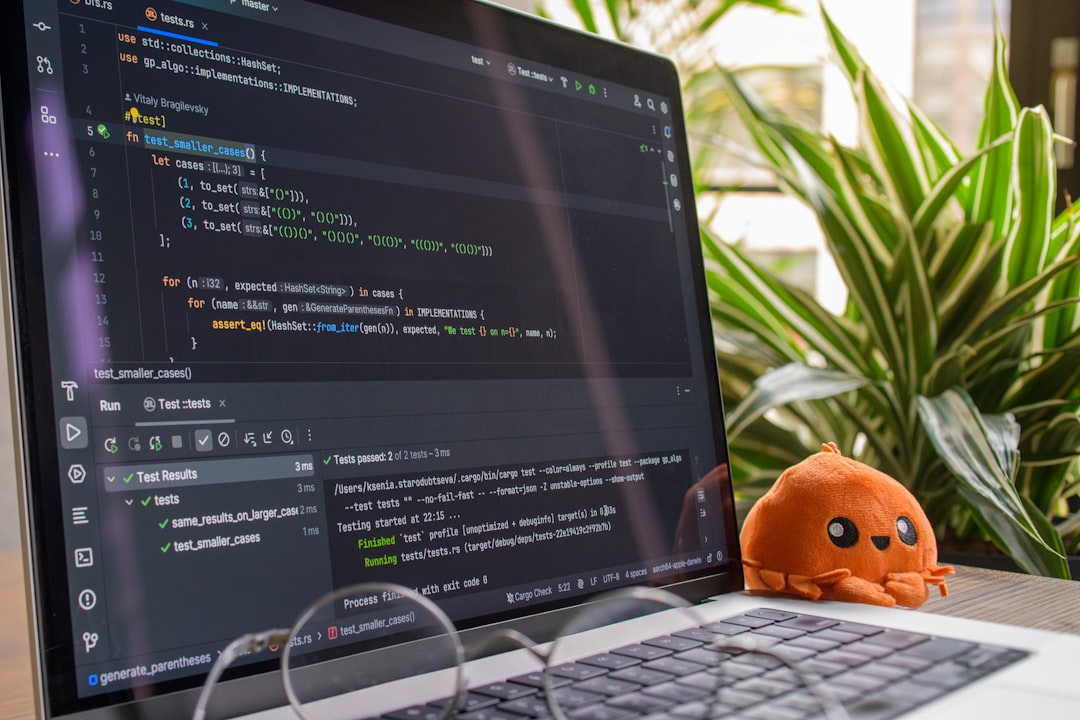
Import your .tflite model and verify it loads correctly in Android Studio
Ensure input data matches expected tensor shapes and data types
Use Android Studio debugger to inspect inference results in real-time
Profile inference latency and memory usage with Android Profiler
Run unit tests and integration tests to ensure model accuracy
Set breakpoints in inference code to inspect tensor values and model outputs
Visualize model architecture and analyze layer-by-layer performance
Monitor CPU, memory, and network usage during model inference


We’re a team of passionate tech writers helping developers, marketers, and privacy-conscious users navigate the digital world. From mobile development to AI and SEO, our goal is to deliver clear, actionable insights.
© 2026, Android Studio Hub. All Rights Reserved.