iOS offers a variety of ways to store data, ranging from simple key-value pairs to complex relational databases. Choosing the right tool depends on your data complexity and security requirements.
Local Storage
Fast, offline access to data. Perfect for user preferences, application state, and cached content.
UserDefaults
Keychain
SQLite
Core Data
Cloud Sync
Keep data consistent across all user devices. Seamless integration with iCloud and CloudKit.
Realm
Firebase
CloudKit
Persistence Methods
Choose the right storage solution based on your app’s complexity, performance needs, and data sensitivity.
Core Data
Advanced
Apple's object graph and persistence framework. Powerful, but has a learning curve.
SQLite
Relational
Lightweight, cross-platform relational database. Ideal for structured SQL-based storage.
UserDefaults
Lightweight
Simple key-value storage for lightweight data like settings and preferences.
Keychain
Secure
Highly secure storage for sensitive data like passwords and tokens.
Data Life Cycle
Trace how data travels from user input to permanent storage.
Application Layer
User interactions trigger data changes in the app's models.
Persistence Layer
The middleman managing data translation and caching.
Storage Engine
The physical file system where bits are written to disk.
Application Layer
This is where your business logic lives. Changes are reflected in the UI and then pushed down to the persistence layer.
"Efficiency here is key to preventing UI freezes and ensuring a smooth user experience."
Data Best Practices
Choose the right persistence method for your data size
Never store passwords or tokens in UserDefaults
Use Keychain for sensitive user credentials
Perform heavy database operations on background threads
Implement efficient data migration strategies
Leverage CloudKit for seamless multi-device sync
Explore Topics
Everything you need to know, categorized for easy navigation.
Setup and Environment
Installing Xcode, configuring simulators, and setting up Apple developer accounts.
Quick verdict: after hands-on tests in qBittorrent, here are the safest and fastest options for P2P in 2025. We measured real download speeds, checked for DNS/WebRTC leaks, and tested port forwarding. If your current “torrent VPN” stalls, leaks your IP,...
What is TikTok Shop?TikTok Shop is TikTok’s built-in social commerce platform essentially an online marketplace inside the TikTok app. It allows businesses and creators to showcase and sell products directly on TikTok without forcing users to leave...
Discover how Gemini AI is transforming Android Studio in 2025 with intelligent code generation, automated UI testing, crash analysis, and cloud-based development tools—all revealed at Google I/O 2025. This guide explores every key feature developers need...
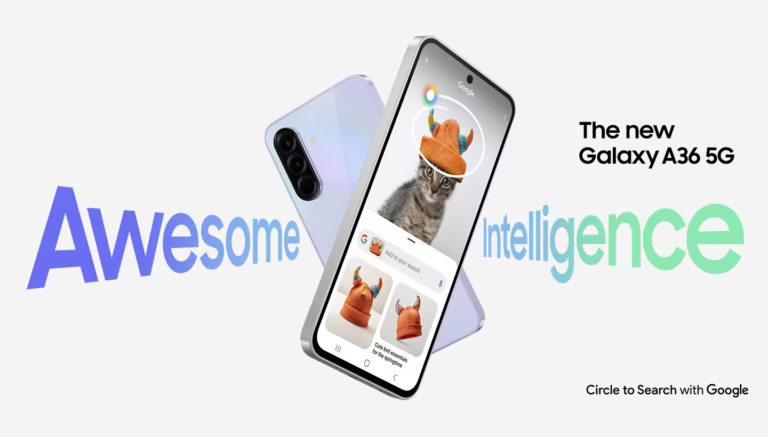
Discover how the Galaxy A36 5G combines 6 generations of Android upgrades, 6 years of security patches, and Samsung Knox Vault’s hardware-level protection—making it one of the most secure mid-range phones in 2025.
Use Core Data when you need high-level object mapping, automatic change tracking, and integration with the iOS UI lifecycle. Use SQLite if you need extreme performance for raw SQL queries or need to share the database across platforms.
Sensitive data like API keys, tokens, and passwords should always be stored in the Keychain. The Keychain provides hardware-level encryption and is separate from the app's standard sandbox.
UserDefaults is ideal for simple app settings, flags (e.g., 'hasSeenTutorial'), and small amounts of non-sensitive data that need to persist across app launches.